
Hand over an invoice query without losing the next action
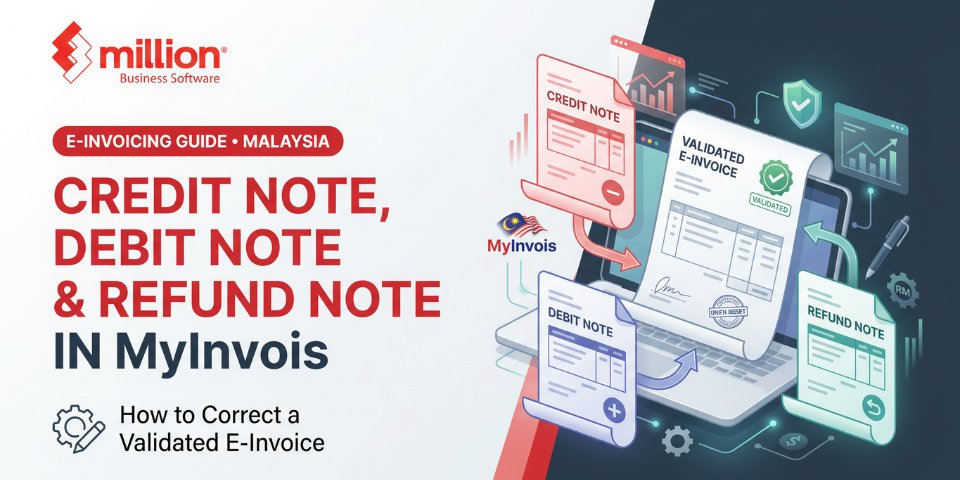
Quick answer: Once an e-invoice is validated in MyInvois, you cannot edit or delete it. Within the 72-hour validation window the supplier can cancel it. After that, corrections need a new linked document: a credit note to reduce the value, a debit note to add charges, or a refund note to record money actually returned to the buyer. Each one refers back to the original e-invoice.
Everyone makes invoicing mistakes: a wrong price, a returned carton, a discount agreed after the fact. Under paper invoicing you simply reissued the document. Under LHDN’s e-invoicing system the rules are stricter, and the wrong fix can leave your books and your MyInvois records out of step.
Why can’t you edit a validated e-invoice?
When MyInvois validates an e-invoice it receives a unique identifier and becomes a locked record. That protects the audit trail for both seller and tax authority. The system gives you a short window to cancel, and a formal mechanism for everything after it.
What is the difference between the three notes?
| Document | Document type code | Use it to | Example |
|---|---|---|---|
| Credit note | 02 | Reduce the original invoice value without returning money | Returned goods, pricing error, post-sale discount |
| Debit note | 03 | Add charges to a previously issued invoice | Extra freight, underbilled quantity |
| Refund note | 04 | Record a refund of payment to the buyer | Cash returned after a cancelled order |
When should you cancel and when should you issue a note?
- Within 72 hours of validation: cancel the e-invoice and issue a corrected one if the transaction was wrong.
- After 72 hours: the only route is a credit, debit or refund note linked to the original e-invoice’s unique identifier.
Issuing a brand new invoice after the window instead of a credit note is a common error, and it can double-count revenue.
Credit note vs refund note: what is the difference?
A credit note is an accounting adjustment: it lowers what the customer owes. A refund note reflects actual cash movement: money leaving your bank account. If a customer returns goods and you reduce their balance, that is a credit note. If you then pay them back, you may also need a refund note. LHDN’s FAQ indicates that some cases, such as an overpayment or a payment made in error, may not require a refund note, so check the latest FAQ for your situation.
Is there a time limit for issuing these notes?
Published guidance quoted by software vendors says LHDN does not set a fixed deadline for issuing adjustment notes after the 72-hour period. Do not read that as permission to delay. Issue them promptly so your sales, SST and tax records stay accurate, and confirm the current position in LHDN’s FAQ.
What about self-billed and consolidated e-invoices?
Self-billed e-invoices have their own matching notes, and each note must reference the original self-billed document. Read our guides to self-billed e-invoices and consolidated e-invoices before adjusting those.
Checklist: what your accounting software should do
- Link every note to the original invoice automatically.
- Capture a clear reason for the adjustment.
- Submit the note to MyInvois and store the validation response.
- Post the correct entries: a credit note reduces sales and receivables, a debit note increases them, and a refund note reflects cash leaving the bank.
- Adjust SST where it applies. See SST requirements.
- Keep a searchable audit trail of the original and every adjustment.
If your system cannot do this, you are likely correcting records by hand. See our invoice software page and the LHDN penalties and deadlines guide.
Common mistakes to avoid
- Voiding an invoice in your accounting software without cancelling or adjusting it in MyInvois.
- Issuing a fresh invoice after 72 hours instead of a credit note.
- Refunding a customer without recording the refund properly.
- Referencing the wrong original invoice.
- Forgetting to adjust SST.
FAQ
Can I delete or edit an e-invoice after it is validated?
No. After validation you can cancel within the 72-hour window. After that you must issue a credit, debit or refund note.
When do I use a credit note instead of a refund note?
Use a credit note to reduce the invoice amount owed. Use a refund note when money is actually paid back to the buyer.
What happens if I issue a new invoice instead of a credit note?
You risk recording the same sale twice and leaving the original e-invoice uncorrected, which causes reconciliation problems and possible compliance questions.
Want a system that handles this automatically?
Million Accounting with Invoicing is built for Malaysian SMEs. Book a demo and ask the team to walk you through correcting a validated e-invoice end to end.

Related posts


